
The primary account holder is the email the account was signed up under.
This person has the role of Tile Account Admin and as such can carry out the following tasks:
Create Users
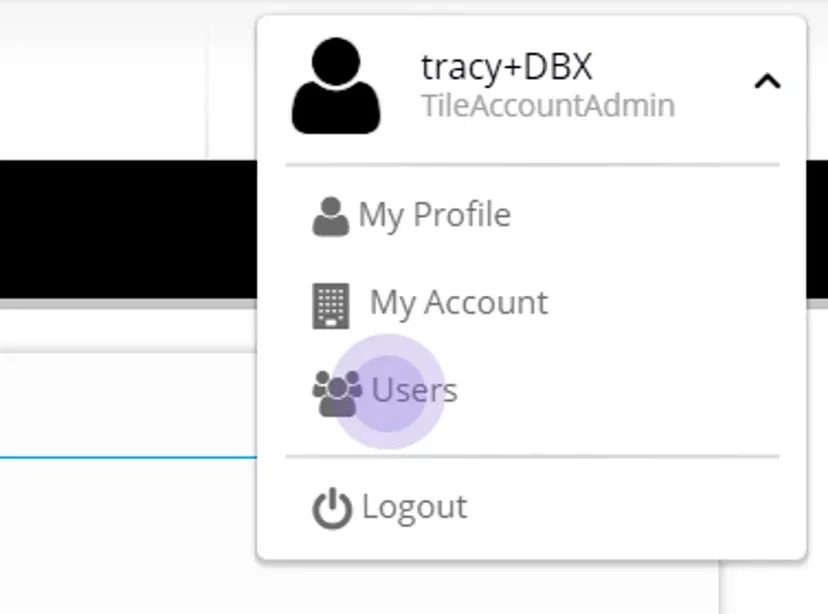
Go to the Admin section - next to your profile on the top right hand corner, click the arrow to display Admin options
Click Users
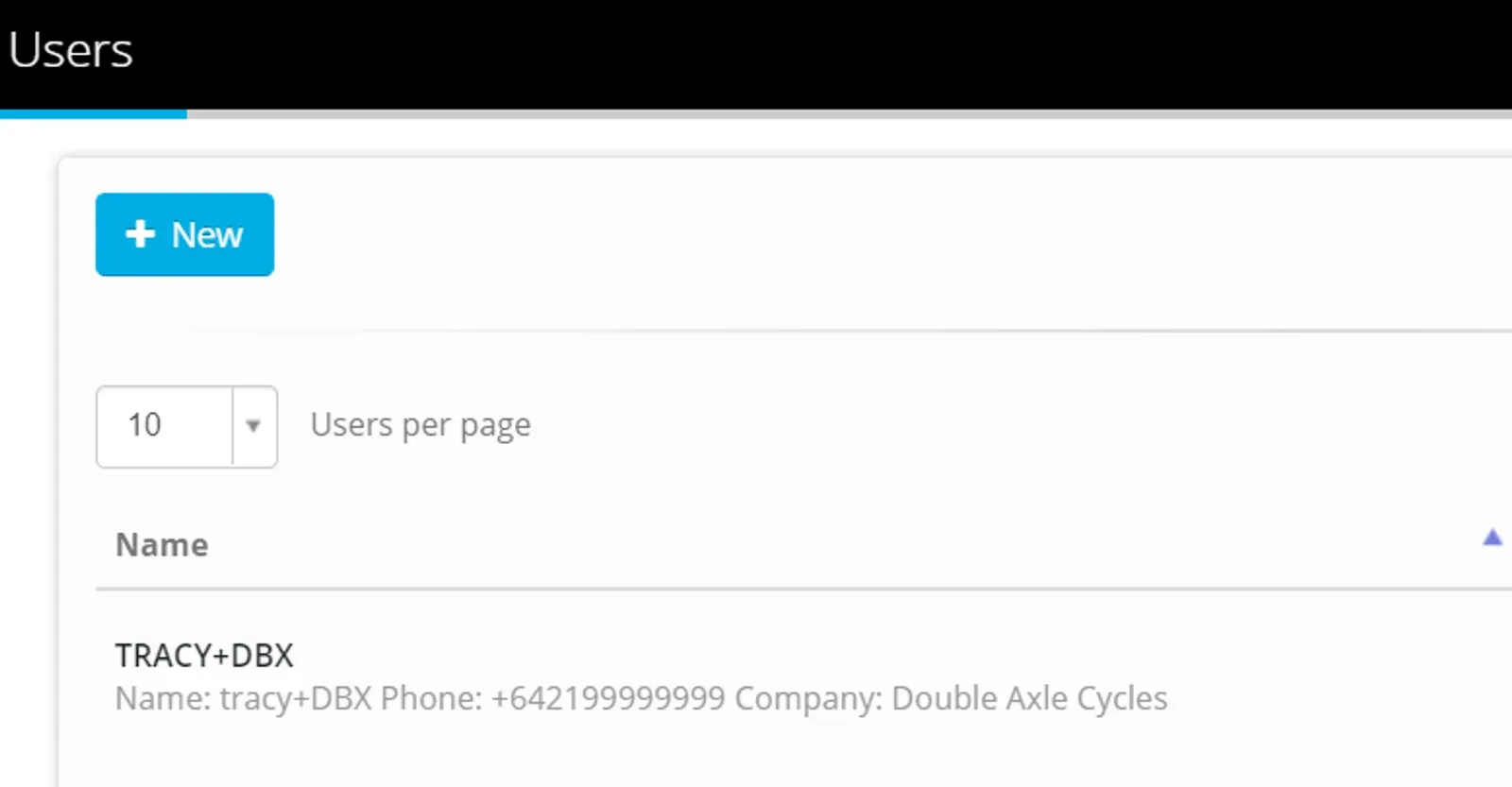
Click +New
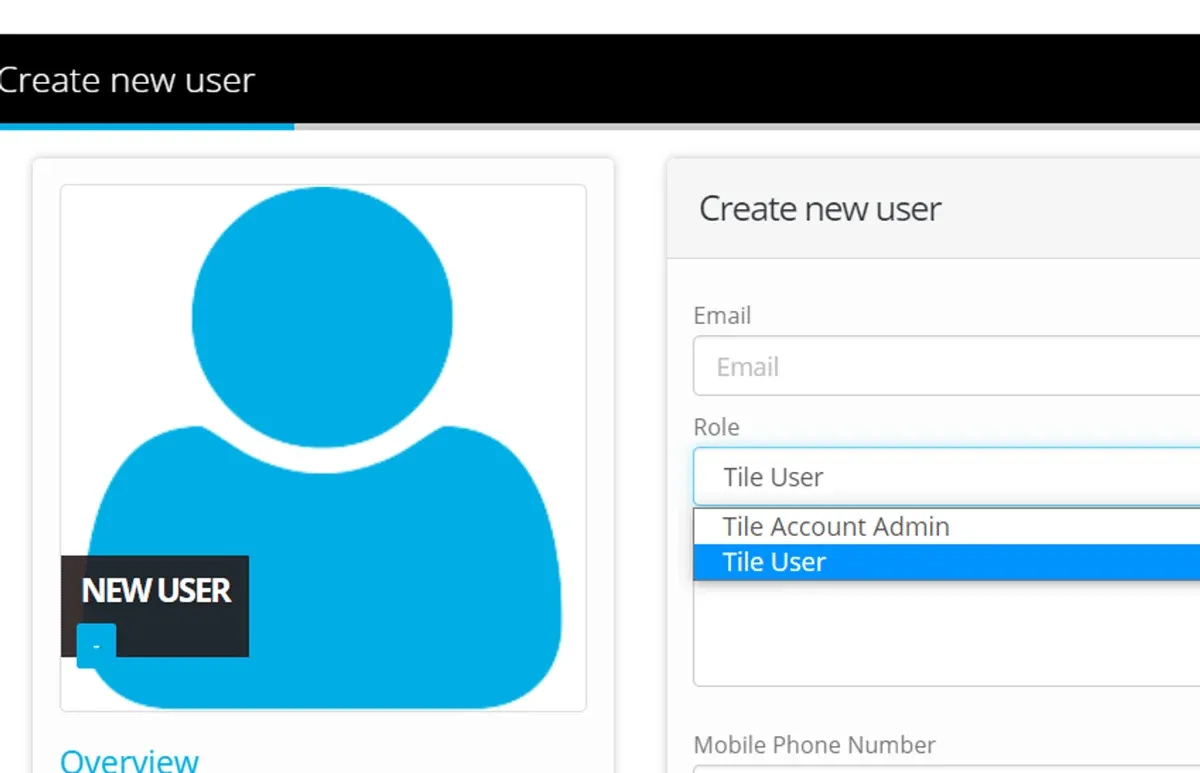
Complete Email Address and select a Role
Confirm Mobile and Passwords.
Click Save
The User you have just created will receive an email to verify and sign in to the account for the first time.
Tile User can submit data but not administer the Account
Account Administration
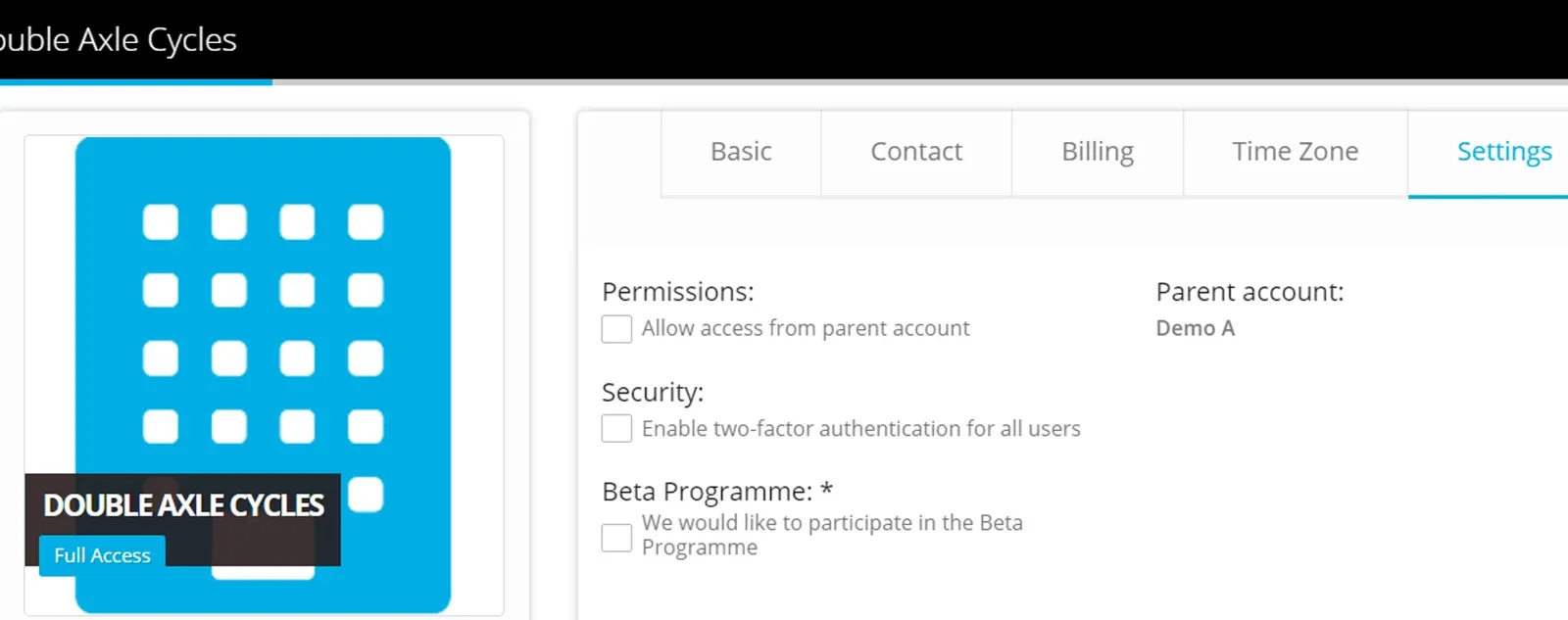
Click My Account to confirm the defaulted options
- Basic
- Contact
- Billing
- Time Zone
- Settings
To enable Two-Factor Authentication for your Users.
For any help with your Administration in your Account - contact support@eight-wire.com
Stuck on this step? Email support@eight-wire.com