
Create a Project
Navigate from the Dashboard to Projects and click +New
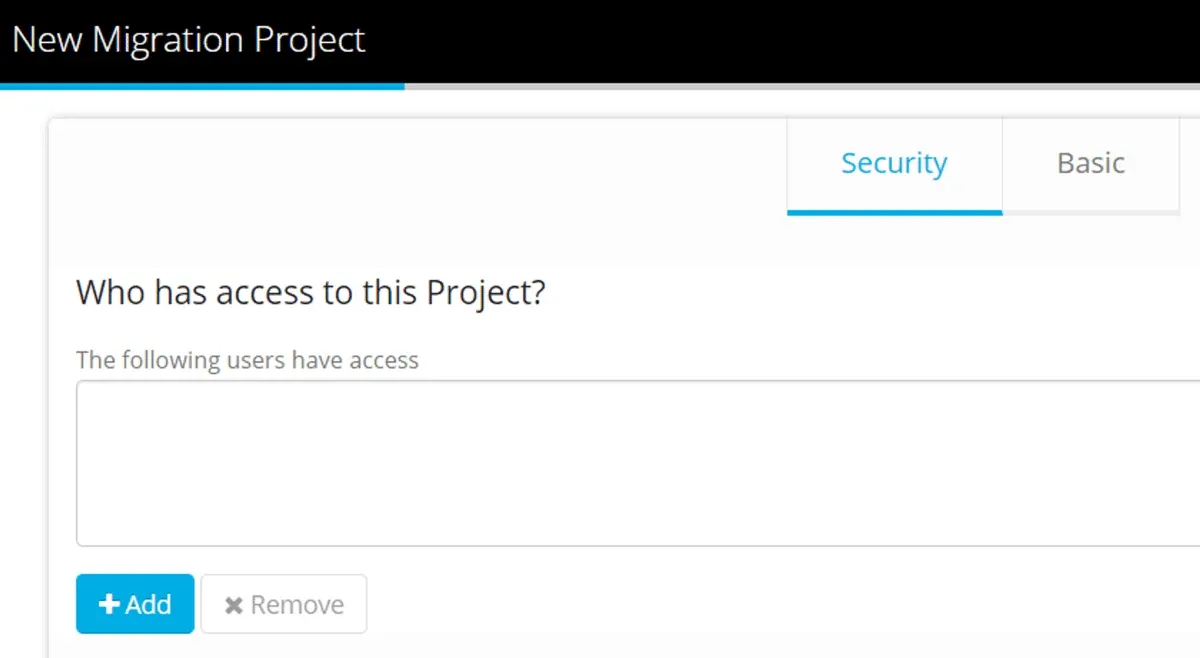
On the Security Tab, click +Add to select Users and assign a Project Role.
Click Next to go to the Basic Tab
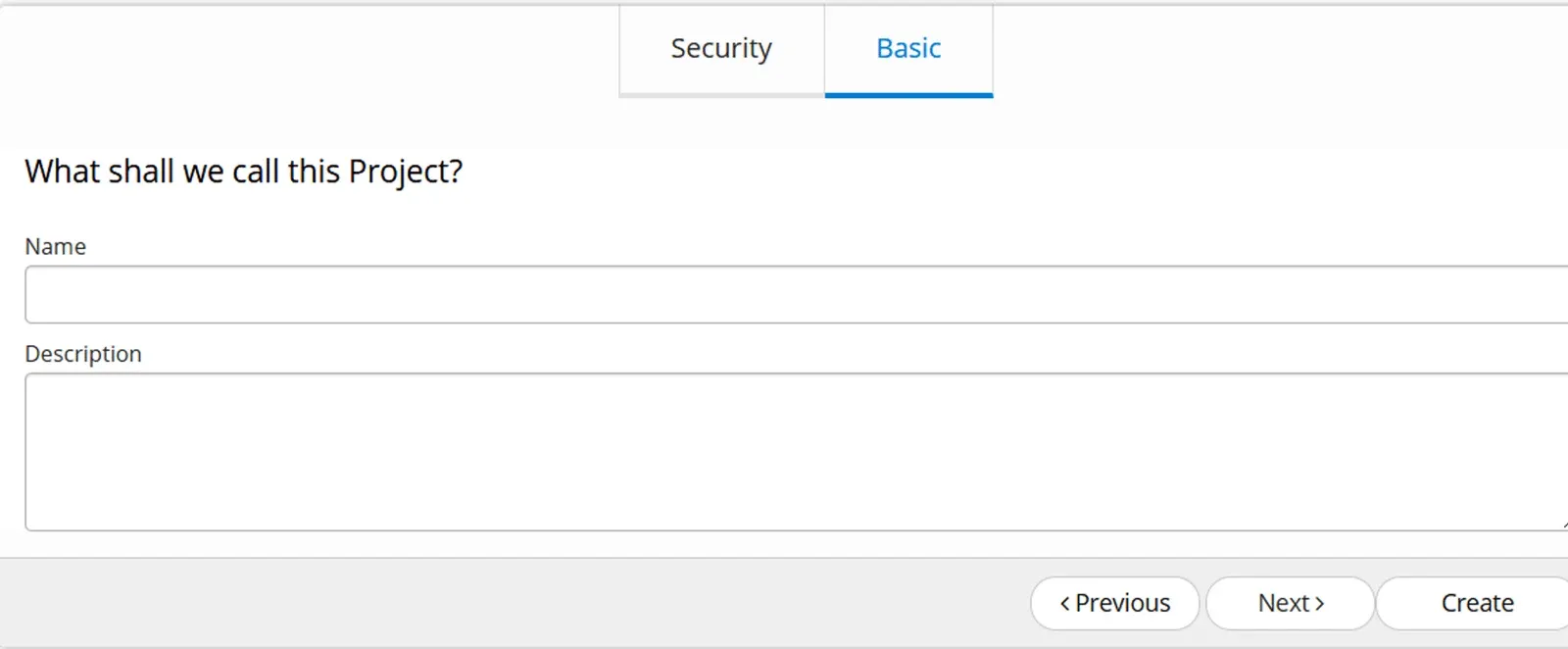
Name the Project.
Provide an optional description (You can edit these fields at any time)
Click Create
Project Dashboard
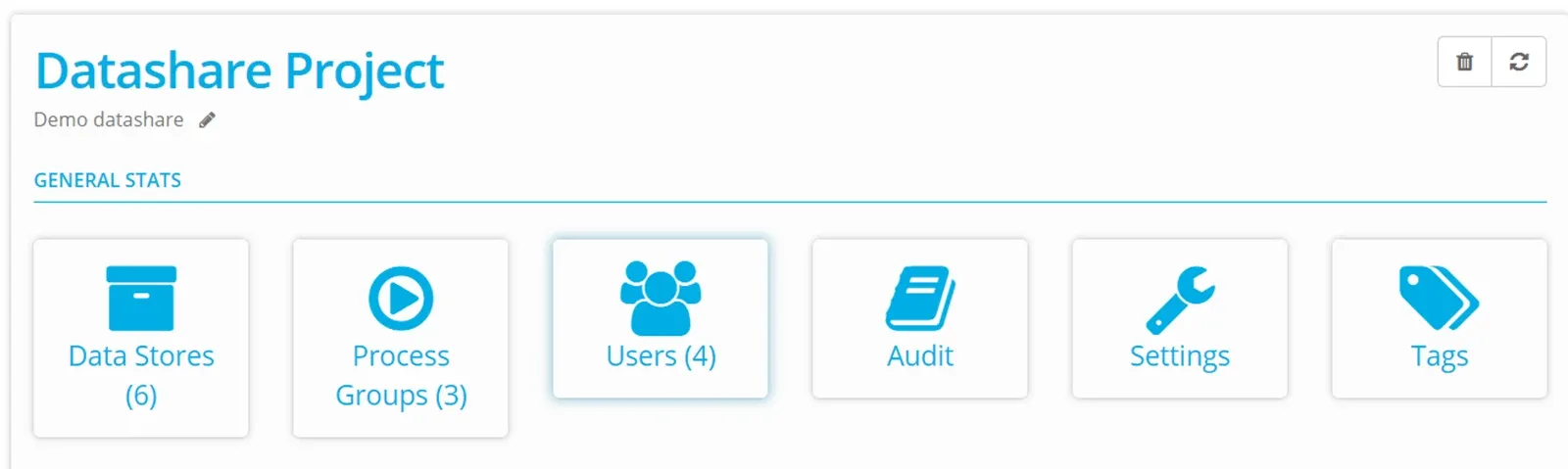
Datastores — create your datastores, display any external datastores.
Process Groups — define data transfer definitions.
Users — assign Account users to a Project.
Audit — report all activity in the Project.
Settings — set up Project level notifications - for example failed batch notifications.
Tags — define tags that can be applied to any object/column in your Project, giving them additional meaning.
A Datastore is unique to a Project — to use it in another Project within your Account, share it, or duplicate it.
Now that your Project is ready to work with, check out the next steps: Create a Datastore or Assign Project User
Stuck on this step? Email support@eight-wire.com