
To authenticate an Agent, you need to be an Administrator on the Eightwire Account and have local administrator access to the computer or server where the Agent is installed.
- Go to the Agent page and click on an Agent
- Click Authentication Key
- Click Proceed to generate the authentication key.
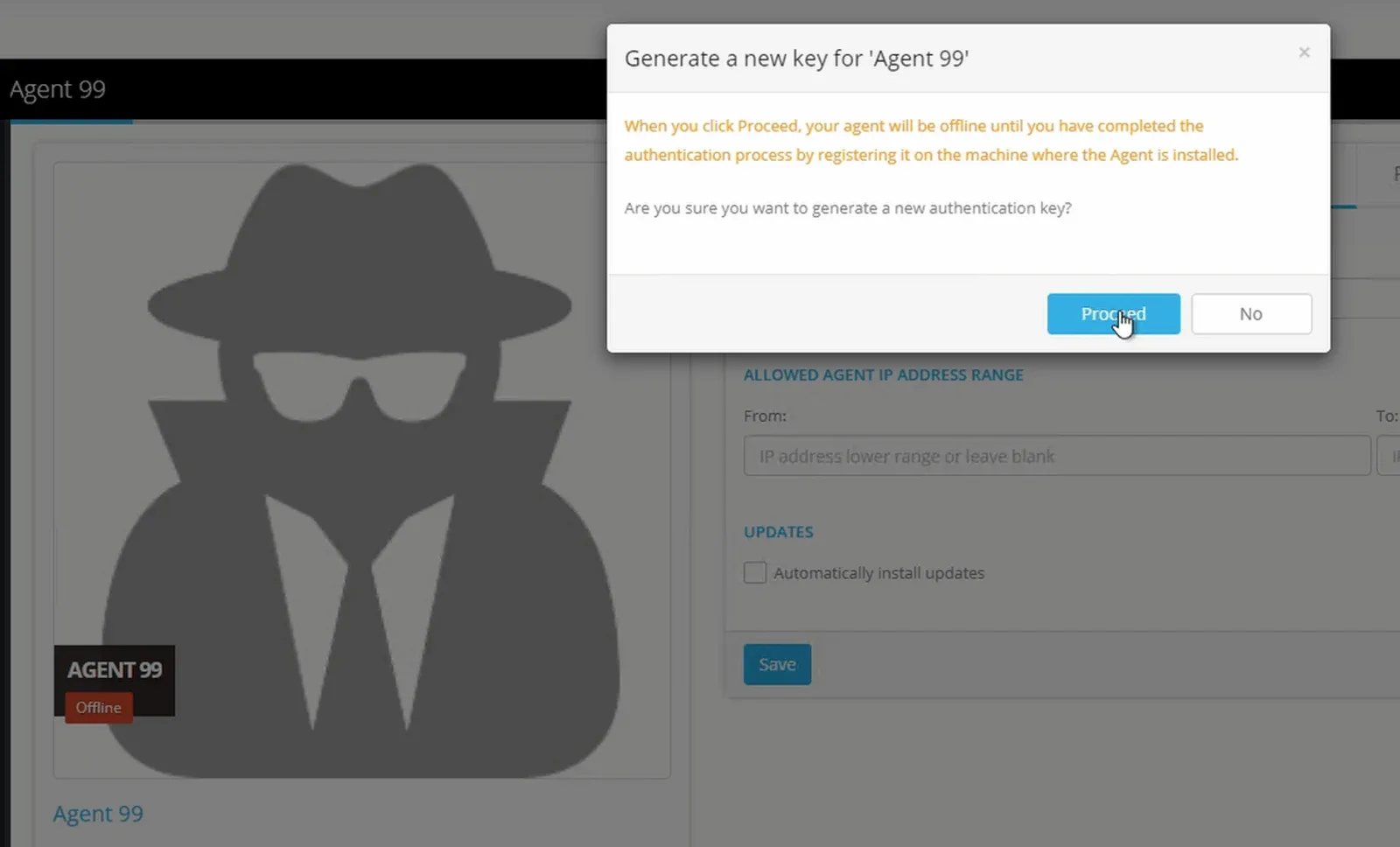
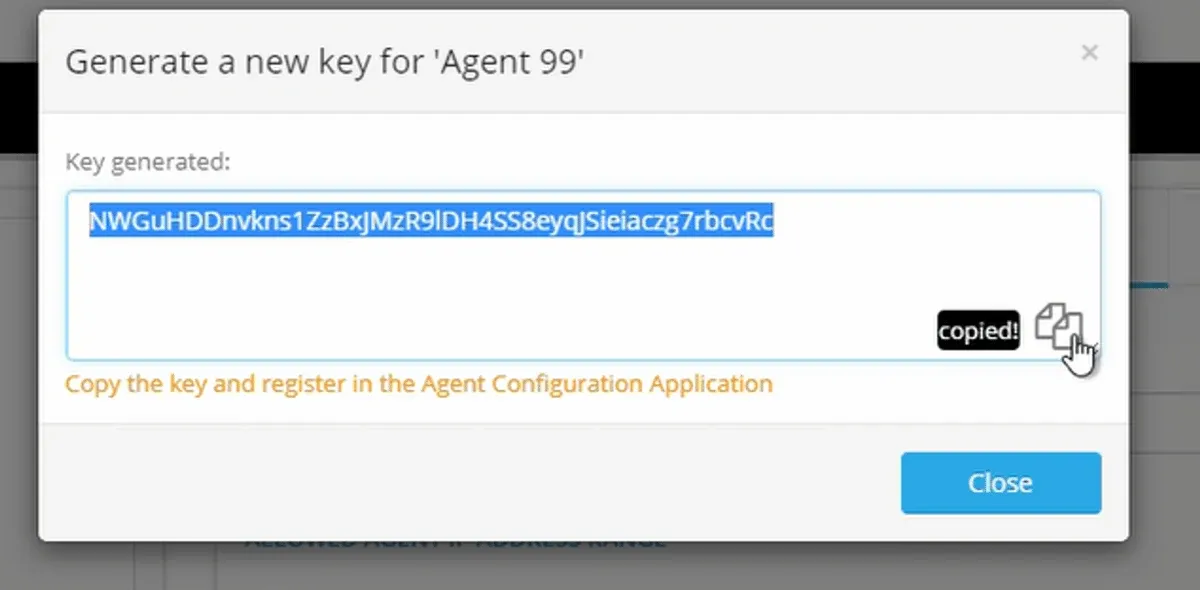
4. Copy the generated Key
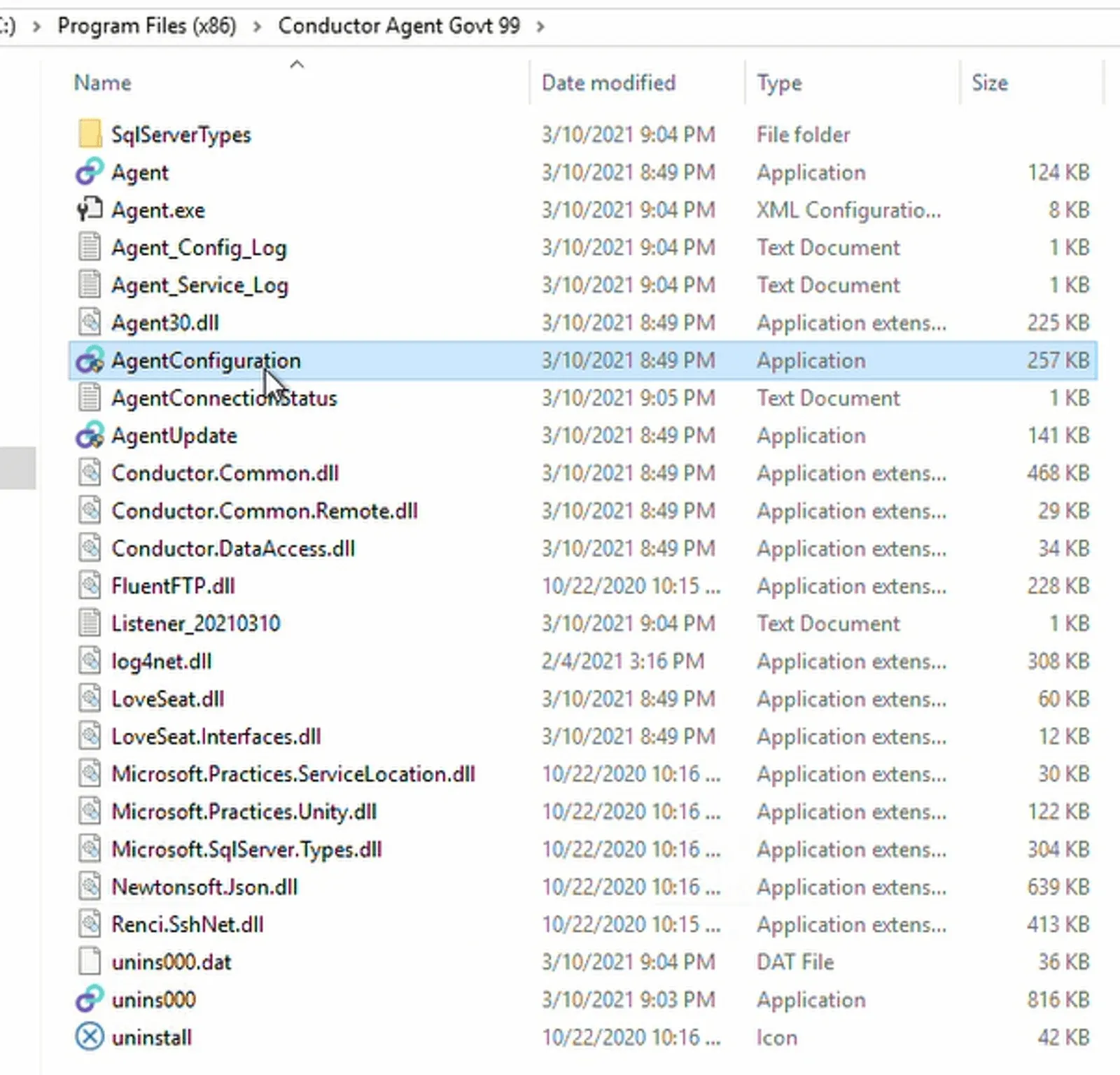
5. On the computer where the Agent is installed — navigate to the Eightwire Conductor Agent folder.
6. Click on the AgentConfiguration application
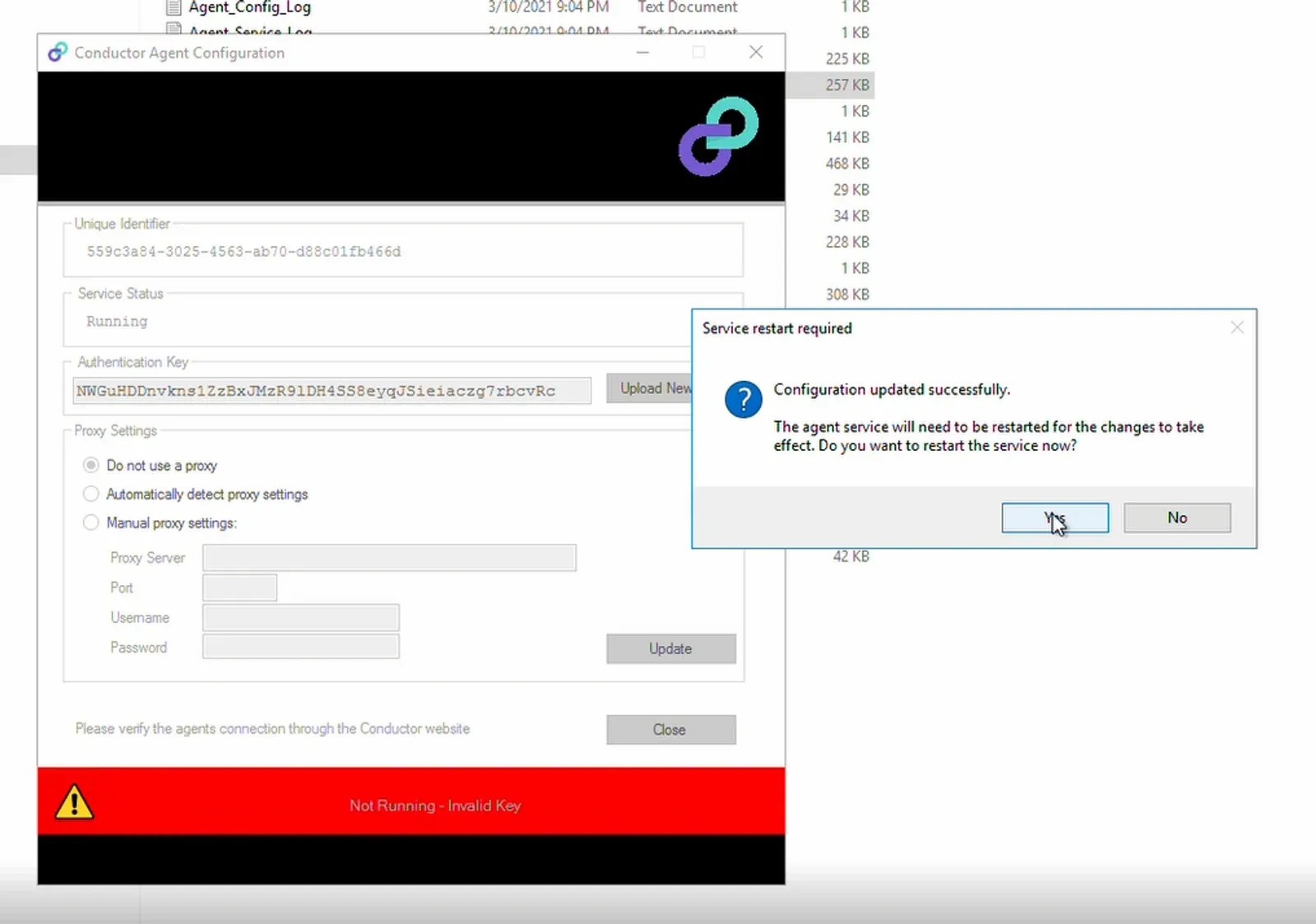
7. Click Upload New Key
8. Paste the Authentication Key into the field.
9. Click Save
10. Click Update
11. Click Yes to confirm the Service restart
12. Close the Agent Configuration Application.
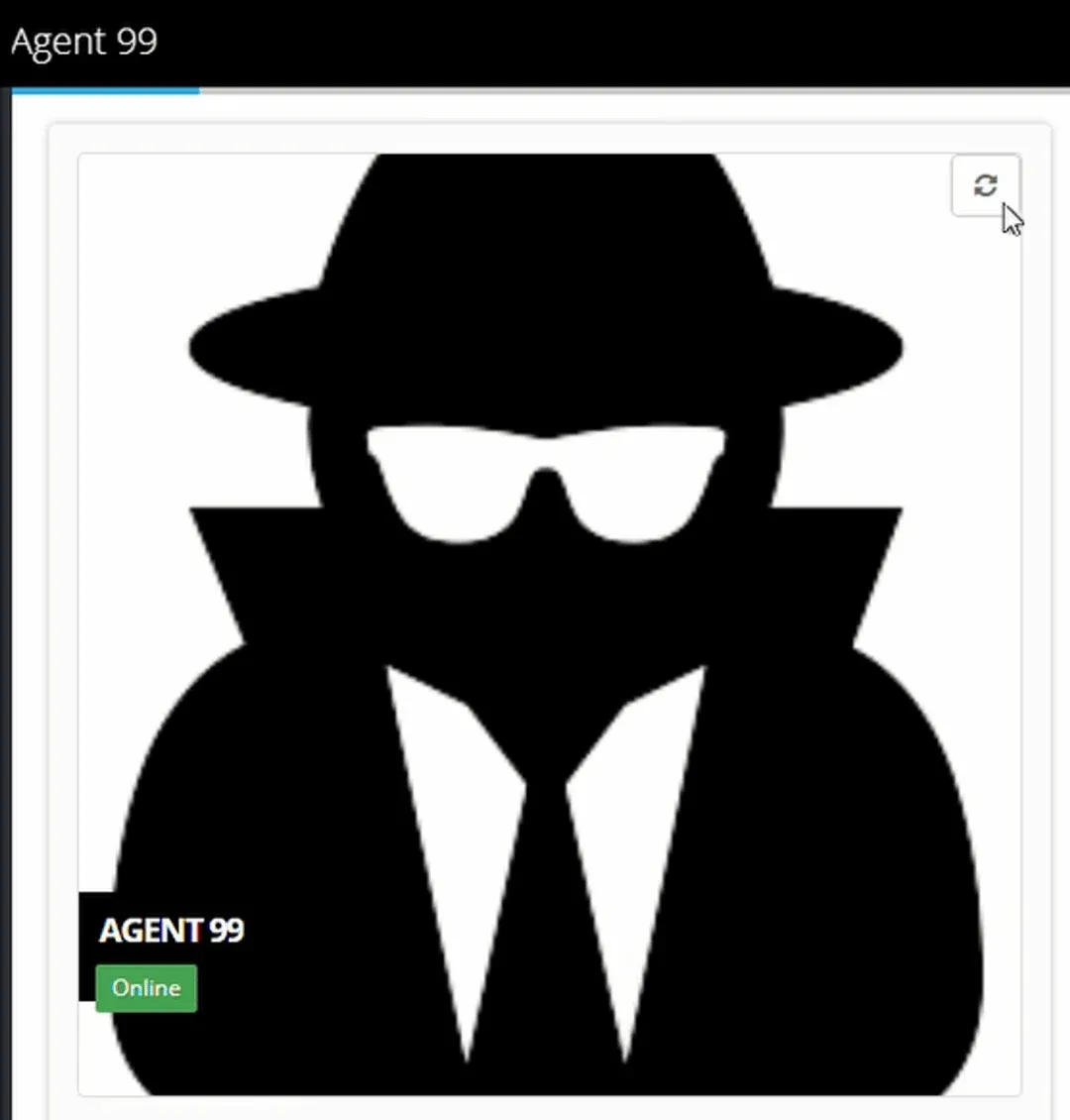
13. On the Eightwire Agent page — click the refresh icon on the top right of the Agent .
14. A message will appear New Values Updated and the Agent label will show Online
To see the process for authenticating an existing Agent, check out this video…
To see the complete process from installation to authentication of a new Agent, check out this video…
Congratulations! Your Agent is online. To connect to data go to Create and Connect
Stuck on this step? Email support@eight-wire.com