
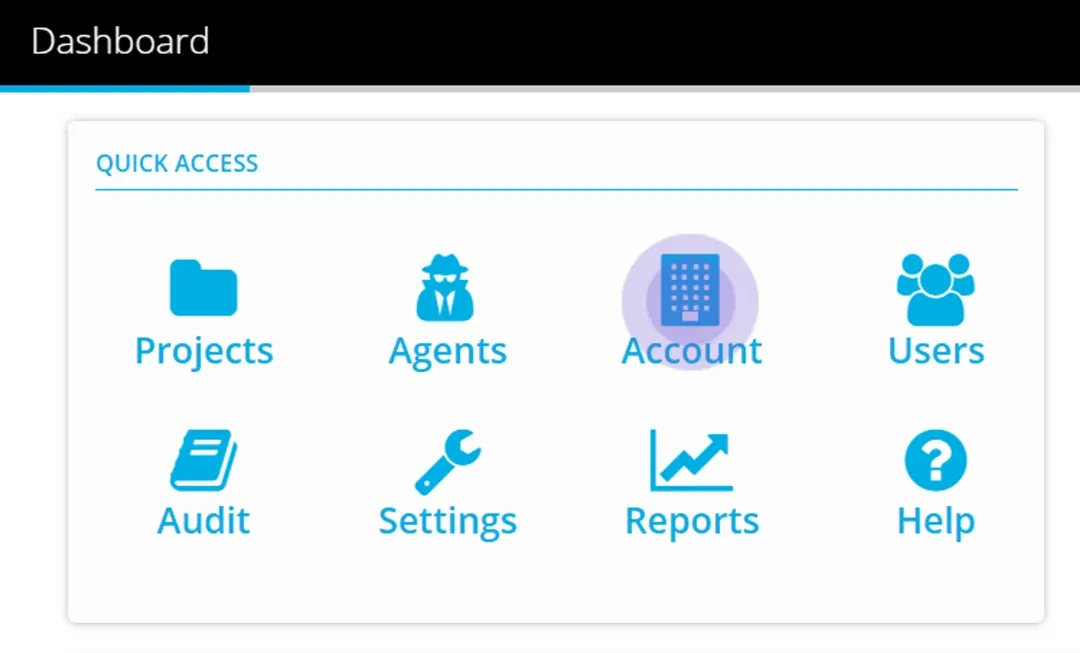
Navigate from the dashboard to Account.
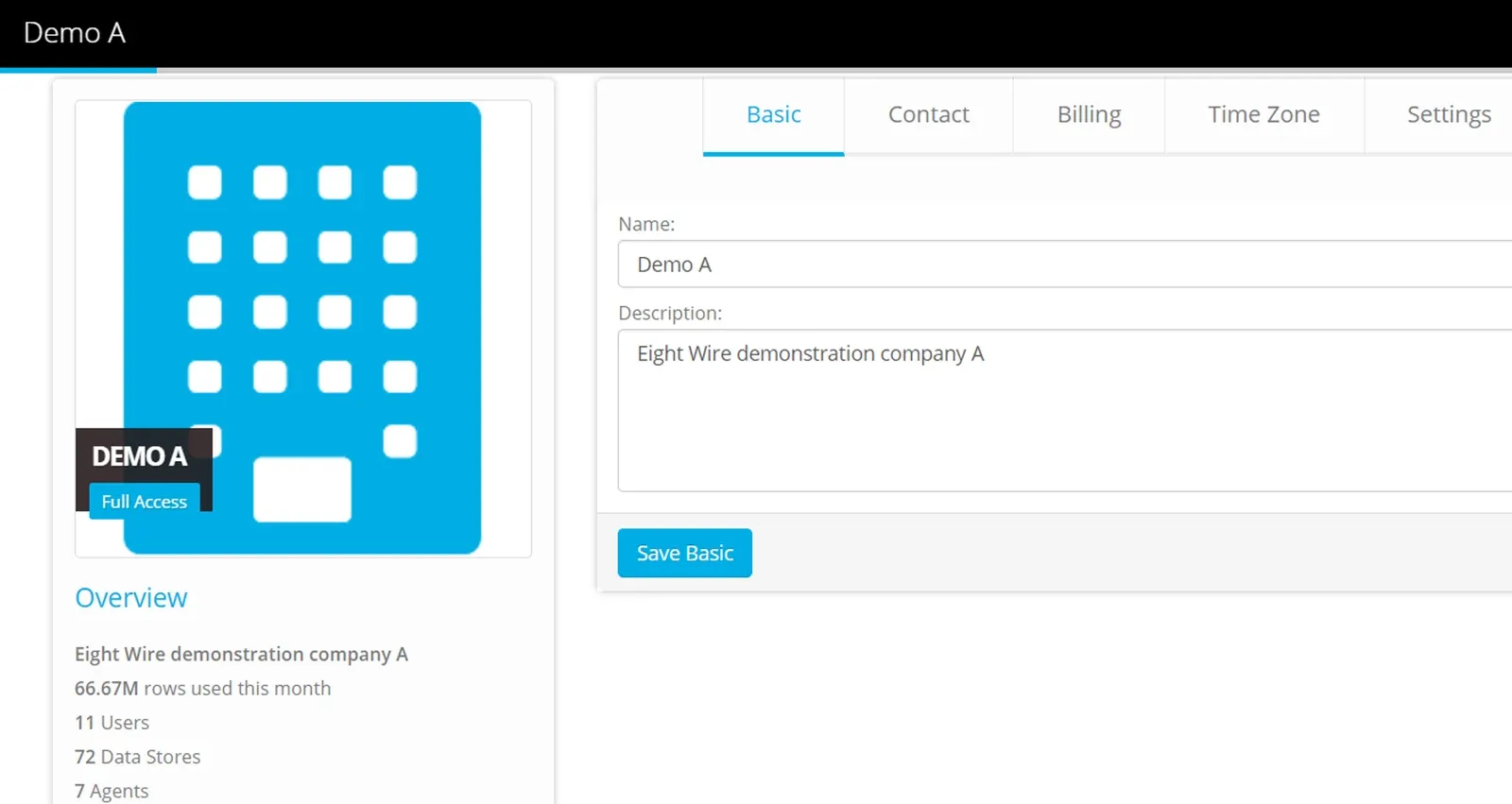
See an overview of your account activity and use the tabs to define the following:
Basic — Name and Description
Contact — The primary contact email and phone for the Account. We will use this email to contact you from time to time with any information regarding any planned changes to Eightwire.
Billing — The billing email and address
Time Zone — The time zone that applies to your account. Any schedules you set in your account will use this time zone.
Settings
Enable two-factor authentication
Use this to enforce login using a code texted to a user’s mobile phone number in conjunction with username and password.
Allow Access from Parent Account
By default the Parent Account is Eight-Wire and this check-box is not ticked.
Beta Programme
By default this checkbox is ticked.
The role of Account Administrator is required to edit Account Settings - limit assigning this role within your Account to a select user group.
Settings are complete!
Next steps are to create Users within your Account
Stuck on this step? Email support@eight-wire.com